
Table of Contents
How to Install and Activate Rise Blog Collection #
Purchase layouts on Official Risethemes or Elegantthemes Marketplace
Unzip the product zip file. you can get Rise Blog Collection.json file
What’s Included (6 Exports) #
After you download and unzip, you’ll find * 6 Styled Blog Sections * exports plus **1 all-in-one pack**.

1. Import Sections Into The Divi Library #
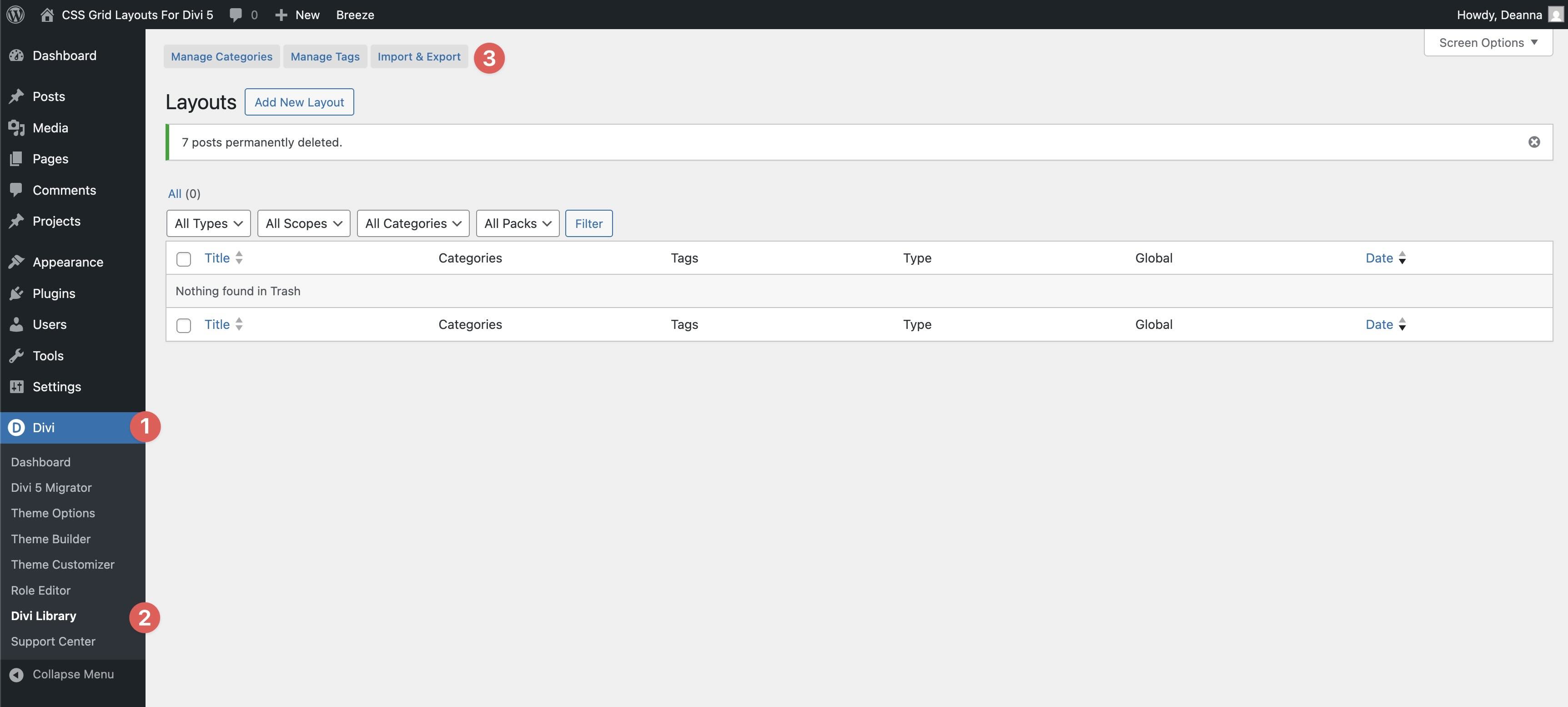
Go to Divi → Divi Library. Click Import & Export at the top of your screen.
In the Import & Export Layouts modal, switch to the Import tab, then click Choose File and select your JSON.

2. Add A Blog Section To Any Page #
Open a page in the Visual Builder and add a new Section.
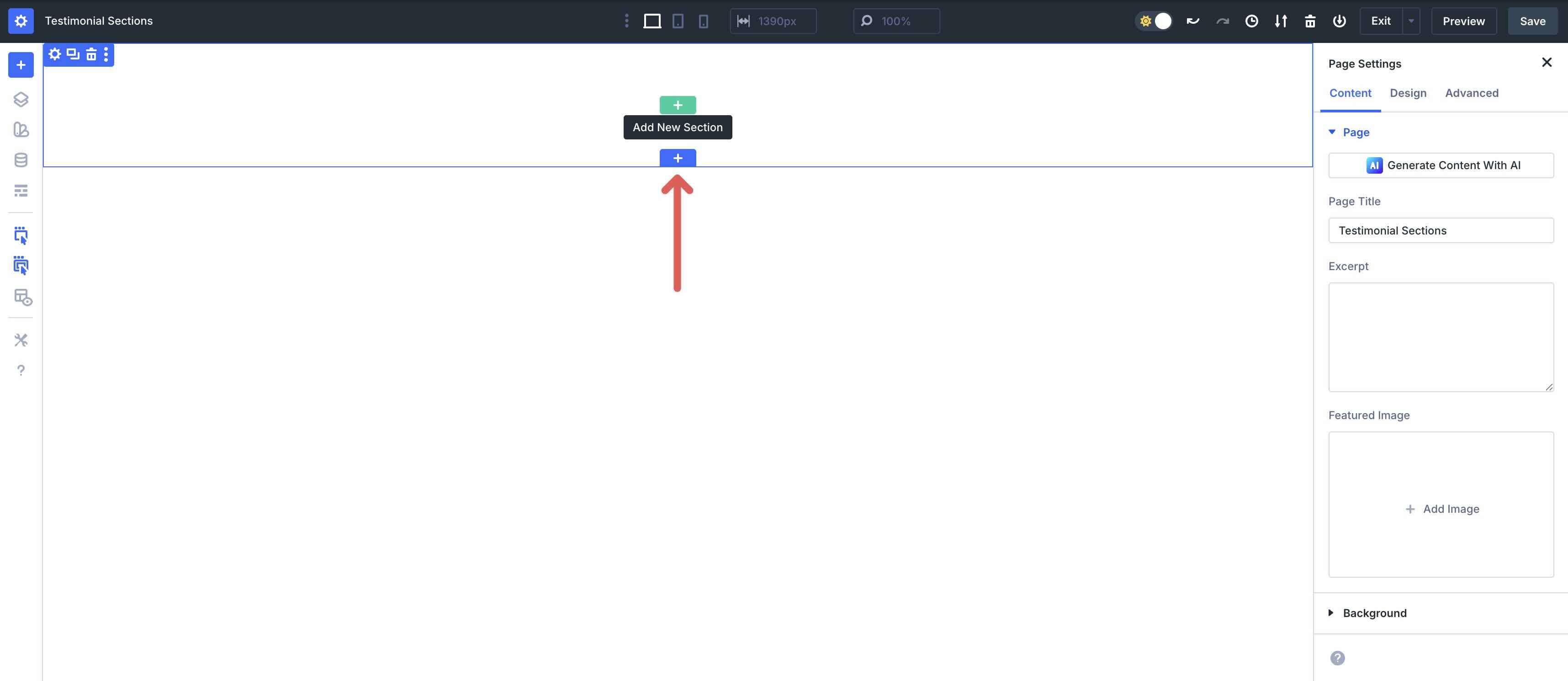
In the Insert Section modal, click Add From Library and select a blog layout.
Congrates, your page was imported sucessfully


